
Chrome extension
Reveal password fields only when you ask.
Show Password Fields helps you temporarily unmask hidden password inputs, copy a password from the context menu, or peek with an Alt-hover loupe. Revealed fields hide themselves again after a few seconds.
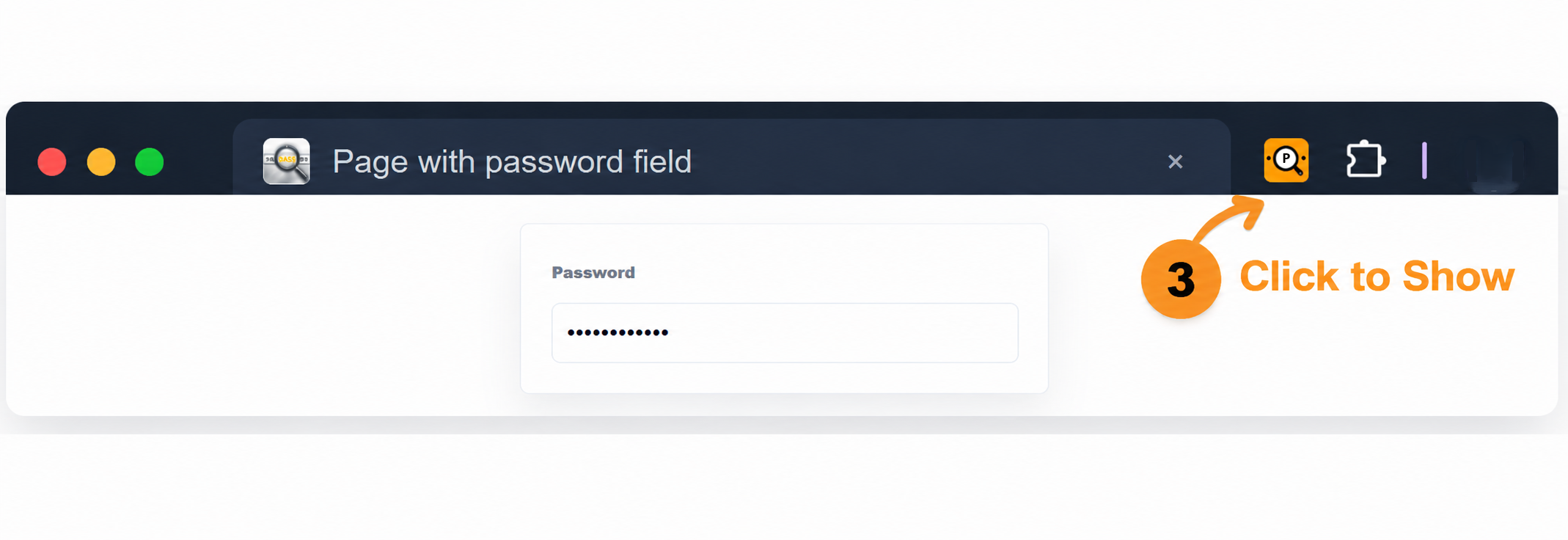
Three quick ways to check a password
Use the toolbar button to toggle password fields on the current page, right-click a focused password field to reveal or copy it, or hold Alt while hovering to inspect a value with the loupe.
- Toolbar reveal for the active tab
- Right-click actions for show and copy
- Alt-hover loupe with a C-to-copy shortcut
- Automatic re-hide after the reveal window
Local by design
The extension runs in your browser, does not use analytics, does not call remote APIs, does not create accounts, and does not request storage permission. Password values are handled only when you explicitly reveal or copy a password field.
Read the privacy policy